Plain notes in. Print‑ready study material out.
Upload the PDF your faculty already wrote. Folio lays it out in your academy's template, with your logo, headers, footers, watermark and contents page, in English or Hindi. Then it checks that every word is exactly as written.
Free to start. Try it on your own PDF.
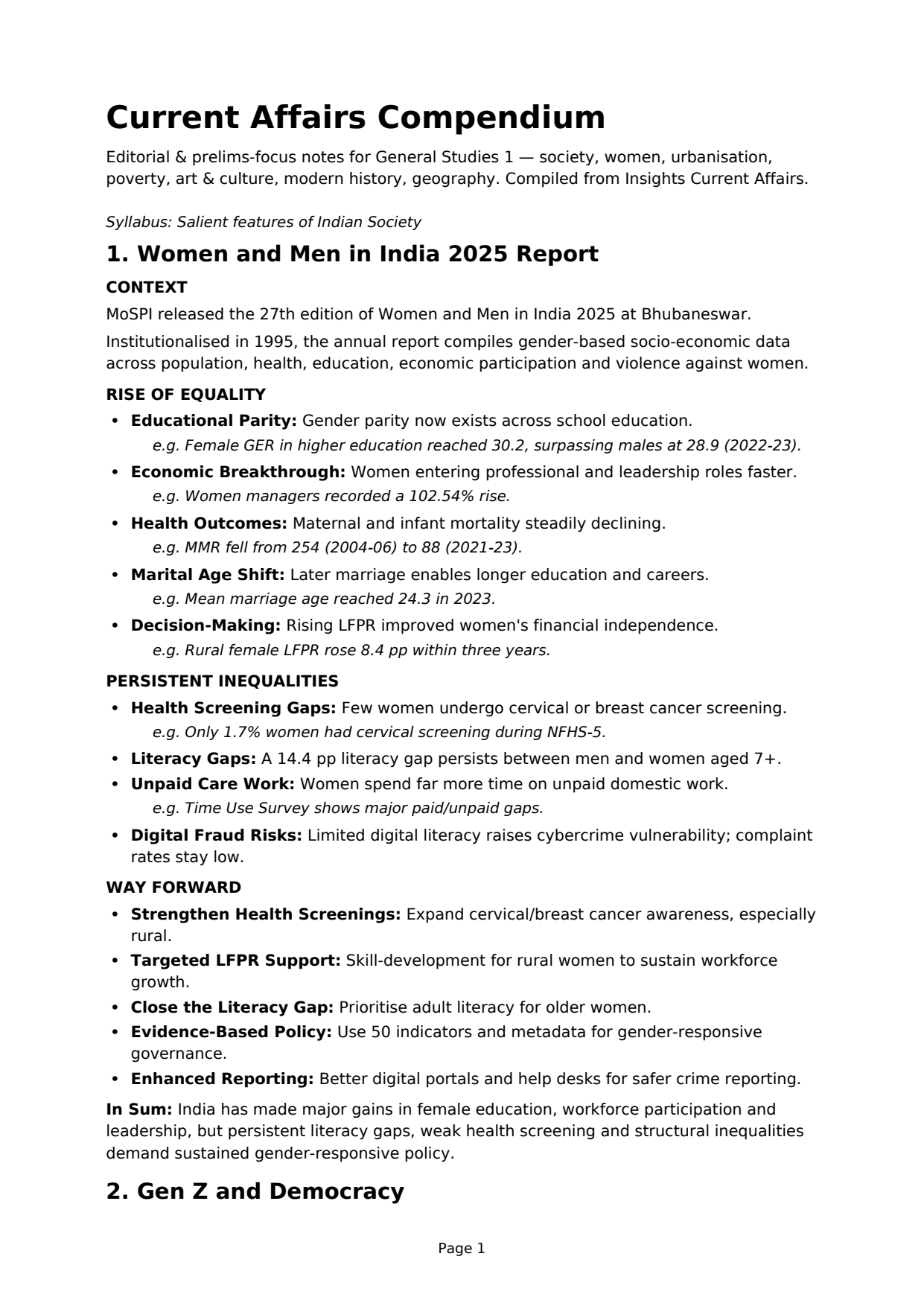
Designed study material, without the design work.
Most institutes already have good notes. What they lack is the time and skill to turn them into material students want to read.
No more formatting for teachers
Your logo and watermark, headers and footers, two even columns, tables and pictures in the right place. Folio does it all, so your faculty can stick to teaching.
Students stay engaged
A badly designed PDF loses students on the first page. Clear headings, clean columns and well-placed tables keep them reading.
About half the pages
Two-column templates fit the same content on far fewer pages: a 235-page monthly became 107. Cheaper to print, lighter to carry, quicker to get through.
How it works
Set up your brand once. After that, every PDF takes a few clicks.
Add your brand
Logo, academy name, phone, email and website go into every header and footer.
Upload and pick a template
Digests, chapter books and exam notes. Name the subject and it appears in the running header.
Download, verified
You get the designed PDF only when its text matches your original, character for character.
Everything a printed book needs
The jobs that take a designer hours, done the same way on every page.
- Your branding on every pageLogo, watermark, headers and footers, in the template's colours.
- Even two-column layoutContent flows column by column, and the last page of a section ends level.
- Tables and pictures placed properlyWide ones span both columns; if one has to move, the text points to it.
- Contents page addedWith the right page numbers.
- Headings, lists and formulas keptBullets, numbering, bold text and subscripts come through as written.
- Pages you can reuseUse the designed pages as samples on your sales pages.
Your content, exactly as written.
Folio changes how your notes look, never what they say. Before you can download, three automatic checks compare the new PDF with yours.
Plans
Start free. Upgrade when you need more pages.
Free
- 30 pages a month
- Up to 20 pages and 50 MB per PDF
- One PDF at a time
- 2 basic templates
- “Designed with Folio” in footer
- Automatic layout only
- Standard queue
- Files kept 7 days
Pro
- 300 pages a month
- Up to 100 pages and 150 MB per PDF
- Upload 5 PDFs at once, combine into one
- All standard templates
- No Folio credit
- Fix block types before download
- Priority processing
- Files kept 90 days
Plus
- 1,500 pages a month
- Up to 300 pages and 250 MB per PDF
- Upload 10 PDFs at once, combine into one
- Standard and premium templates
- No Folio credit
- Fix block types before download
- Priority processing
- Files kept 365 days
Enterprise
- Committed page volume
- Up to 2,000 pages and 400 MB per PDF
- Upload 20 PDFs at once, combine into one
- Private templates for your organisation
- No Folio credit
- Fix block types before download
- Priority processing
- Files kept as agreed
- SSO, white-label, API
See your own notes, designed.
Upload one PDF and compare the result with the original.